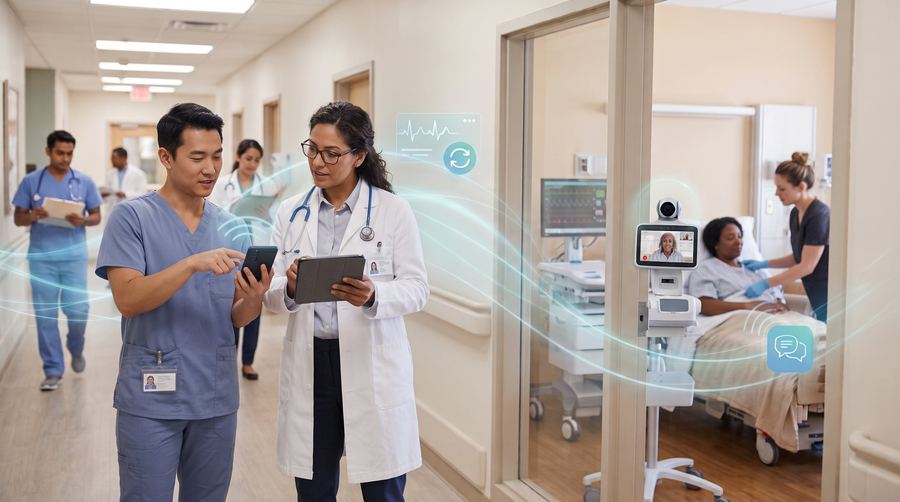
What healthcare teams need from wireless
A nurse checking a chart, a physician reviewing results between appointments and a home health aide documenting a visit all depend on a device that connects reliably and a connection that does not drop mid-task. Healthcare also brings stricter expectations around who can open a device and what happens when one is lost. Our work covers the phones, tablets and shared handsets your staff carry, the plans that connect them, and the settings that keep patient information protected.
We do not provide medical software or handle compliance for you. We set up the wireless side so your own policies can be followed, and we work alongside your compliance lead.
Common setups we build
Clinics often combine a small fleet of staff phones with shared tablets at the front desk and exam rooms, all enrolled in device management so they lock automatically and can be erased if lost. Practices that cannot afford downtime add backup internet, so scheduling and records stay available if the main line fails. Home health and mobile care teams use phones with location sharing and lone-worker alerts so a colleague can find them quickly if something goes wrong. Larger sites may add push-to-talk for transport and environmental services staff.
How deployment works
We start by walking through how each role works, because a front-desk coordinator and a visiting nurse need different tools. Then we recommend devices and a plan, configure them with your security settings and apps, and set up a small group first so staff can tell us what feels slow or awkward before everyone switches. Our team supports practices of many sizes, and we can schedule setup outside patient hours.
What it costs to start
Costs follow the number of devices, the plans behind them and any extras such as backup internet or management software. Healthcare setups tend to include more security configuration, which adds setup time but not necessarily monthly cost. We provide a written quote that separates devices, monthly plans and one-time setup, so your office manager can compare it with current spending.
Planning around the patient day
Healthcare schedules leave little room for disruption, so rollouts work best when they follow the rhythm of the practice. Pick a slow day or after-hours window for switching devices. Have a lead in each department who tests first and can answer colleagues' questions. Keep old devices available for a short time as a fallback, then retire them properly. Plan how shared tablets are cleaned and stored, since they move between rooms. These small details decide whether staff embrace the new setup or work around it.
Frequently asked questions
Do you handle HIPAA compliance?
No. Compliance is your organization's responsibility. We configure devices and connections to support your policies, such as screen locks and remote erase, and we work with your compliance lead.
Can staff use their own phones?
Sometimes. It depends on your policy and what data would be on the phone. We can discuss company-owned and personal options and what each means for security.
What if the internet goes down during clinic hours?
A backup connection can take over automatically so scheduling and records stay reachable. It is sized for essential systems and tested at install.
Can you support a small practice?
Yes. We work with practices of a few people as well as larger groups, and a small rollout is often the best way to start.